
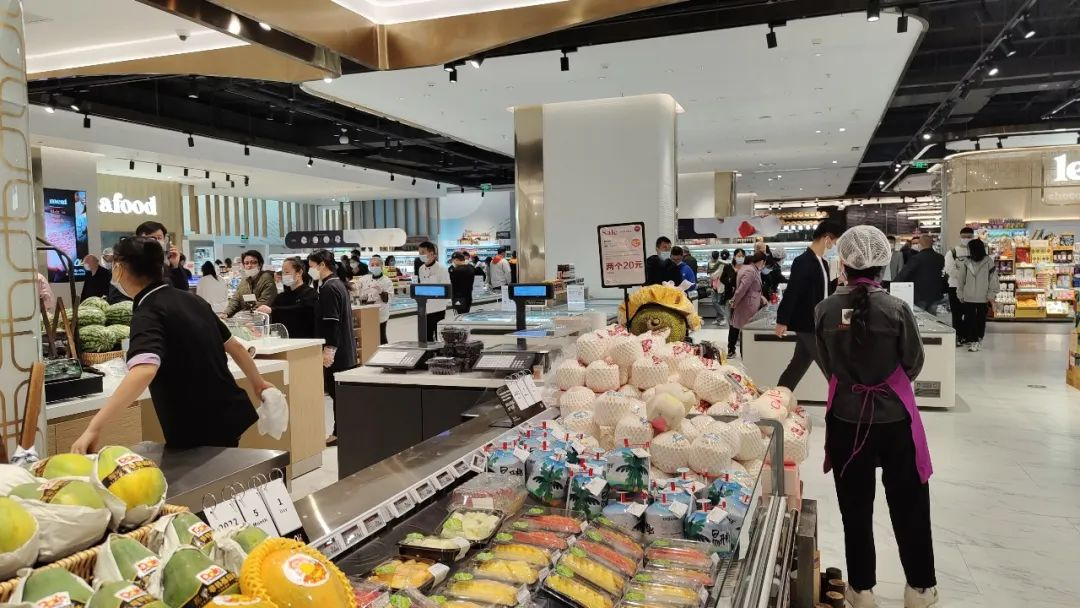
A deli scale with printer weighs products, calculates prices, and prints labels in one step. Delis, grocery stores, butcher shops, and fresh-food departments rely on it when they need labeled packages ready for checkout.
Choosing the right model takes more than capacity or display size. You must match how you sell products, whether you need barcode labels, how the scale connects with your POS, and whether commercial weighing rules apply.
A practical selection process starts with one question:
Does your business need to turn weighed products into labeled packages ready for sale?
If the answer is yes, a label printing scale may be the right solution.
What Is a Deli Scale with Printer and How Does It Work?
A deli scale with printer combines three functions: weighing products, calculating prices, and printing product labels. It allows retailers to complete the weighing-to-label process at one workstation.
These scales come in different formats. Independent stores often rely on keypad models with preset PLU keys for fast daily use. Larger chains typically choose touchscreen scales that support centralized product data, network connectivity, and tighter POS integration. Some advanced systems also include AI-assisted product recognition for self-service or high-volume environments.
A typical label-printing workflow is:
Place product → Select PLU → Calculate price → Print label → Checkout
For example, a butcher shop can weigh a package of beef, select the product information, print a scale label containing weight and price details. The customer then takes it to checkout, where the cashier scans the label to complete the sale.
Common label information includes:
• Product name
• Weight
• Price per unit
• Total price
• Barcode
• PLU or SKU information
• Date information
Unlike a basic weighing scale, a label printing scale supports product identification after weighing, which is important for packaged food sales, variable-weight product management, and POS identification at checkout.
Common applications include:
✔️ Deli counters selling sliced meat and cheese
✔️ Grocery stores preparing fresh food packages
✔️ Butcher shops labeling meat products
✔️ Supermarket departments managing weighed items
Do I Need a Deli Scale with Printer or Just a Price Computing Scale?
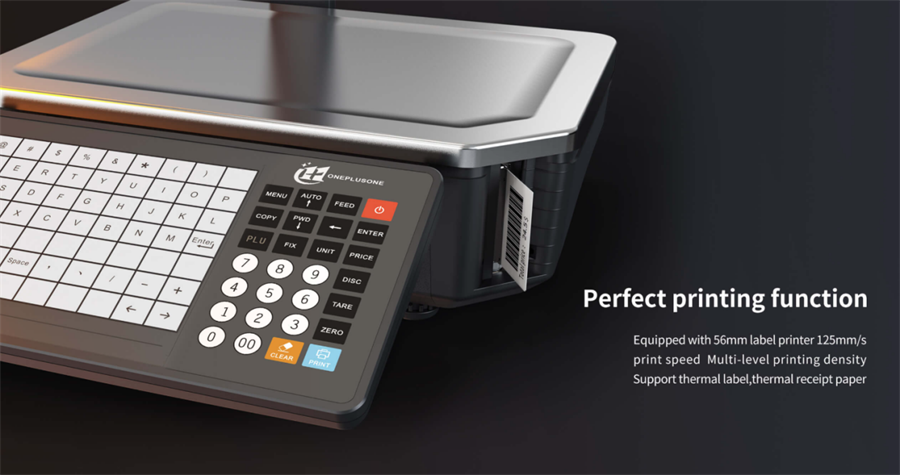
A price-computing scale may be sufficient for attended counter sales where weight and price are handled in the same transaction. A scale with label printer becomes more relevant when variable-weight products are prepackaged, moved to another checkout lane, sold through self-checkout, or require product-identification labels.
Examples:
• A small deli selling sliced turkey directly at the counter may only need weight and price calculation.
• A grocery store preparing packaged meat trays often benefits from printed labels for standard checkout or self-checkout.
The right choice depends on the sales workflow, not simply the number of features included.
How Many PLUs Does a Deli Scale Need?
The number of PLUs a retail scale needs depends on product variety, pack sizes, pricing rules, and label requirements.
A PLU (Price Look-Up) lets employees quickly access stored product information instead of manually entering pricing details. A PLU record may include the product name, unit price, tare, label format, barcode settings, and date information.
Choose a scale with enough PLU capacity for current variable-weight items and future additions. Also consider the number of preset or speed keys available for frequently sold items.
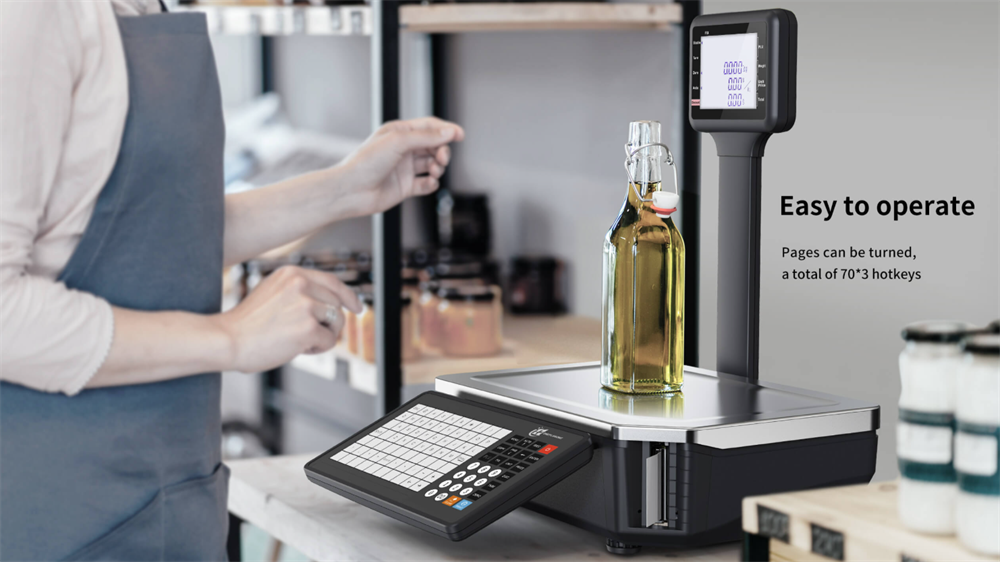
For example, the HPRT C-L1 barcode label scale supports up to 210 shortcut keys for faster PLU access. These one-touch shortcuts can reduce lookup time and improve workflow efficiency at busy deli, meat, or fresh-food counters.
What Capacity and Accuracy Should a Deli Scale Have?
Choose capacity, minimum load, and verification scale division based on the smallest and largest packages handled each day. For commercial sales by weight, use a legal-for-trade configuration that meets local requirements.
Common options include:
• 30 lb × 0.01 lb for deli counters, cheese, prepared foods, and general retail use
• 60 lb × 0.02 lb for larger meat packages and heavier back-room work
Higher capacity is not always better if it reduces resolution for low-weight packages. Also consider platform size: deli counters may prioritize a compact footprint, while meat departments often need more space for larger cuts and trays.
What Scale Labels and Printing Supplies Does a Deli Scale Need?
Most retail deli scales use direct thermal labels, which print without ink or ribbons. The right label depends on the printer model, label layout, product environment, and required information.
Common scale-label sizes include:
• 58 × 40 mm for basic price and barcode labels
• 58 × 60 mm for fresh-food labels with more product information
• Larger or custom formats for nutrition facts, ingredients, safe-handling instructions, promotions, or branding
Linerless labels are also being adopted in some high-volume grocery and fresh-food operations. Because they remove the backing liner, they can reduce label waste and support flexible label lengths.
However, linerless media requires a compatible scale printer and should be evaluated based on the store's labeling process.
Looking for a linerless label solution for your deli or fresh-food operation? Talk to our team today.
How Does a Deli Scale with Printer Integrate with a POS System?
A barcode printing scale can support POS checkout through barcode labels, product-data synchronization, or direct integration with a POS or retail back-office system. The right setup depends on the retailer's checkout workflow, product-data management process, and technology environment.
1. Barcode Label Workflow
Barcode-based workflows are common in grocery stores, butcher shops, deli departments, and fresh-food packaging areas.
A printed barcode label connects the weighing process with checkout by allowing the POS system or self-checkout terminal to identify a variable-weight item. Depending on the retailer's barcode format, the label may contain product reference data, price information, weight information, or a combination of these elements.
Many grocery and fresh-food retailers use UPC-A or EAN-13 barcodes on labels for variable-weight items.
However, barcode printing alone does not guarantee POS compatibility. The scale, barcode format, PLU rules, and POS configuration must work together to ensure products are correctly recognized and processed at checkout.
2. Software and Network Integration
Larger retailers and multi-store operations may require deeper integration between the scale and their POS, back-office, or retail management systems.
Common requirements include:
• PLU, product, and price synchronization
• Label template updates
• Centralized management of multiple scales and locations
• Network connectivity and system compatibility
Before purchasing, retailers should confirm:
✔️ Whether the POS supports the scale's variable-weight barcode format
✔️ Whether the barcode contains price, weight, or only product reference data
✔️ How PLUs, prices, and label templates are updated
✔️ Whether the same workflow works at staffed checkout lanes and self-checkout systems
Is an Integrated Printer Better Than a Separate Scale and Printer?
An integrated label-printing scale is often the simplest option for routine deli, meat, and fresh-food workflows. It reduces counter space, handling steps, and employee training.
A separate scale and printer may suit businesses that need specialized labels, centralized print management, or integration with existing retail or packaging systems. However, it requires more setup to ensure reliable communication between the scale, printer, and label software.
What Should Grocery Stores, Butcher Shops, and Delis Look for When Buying a Deli Scale?
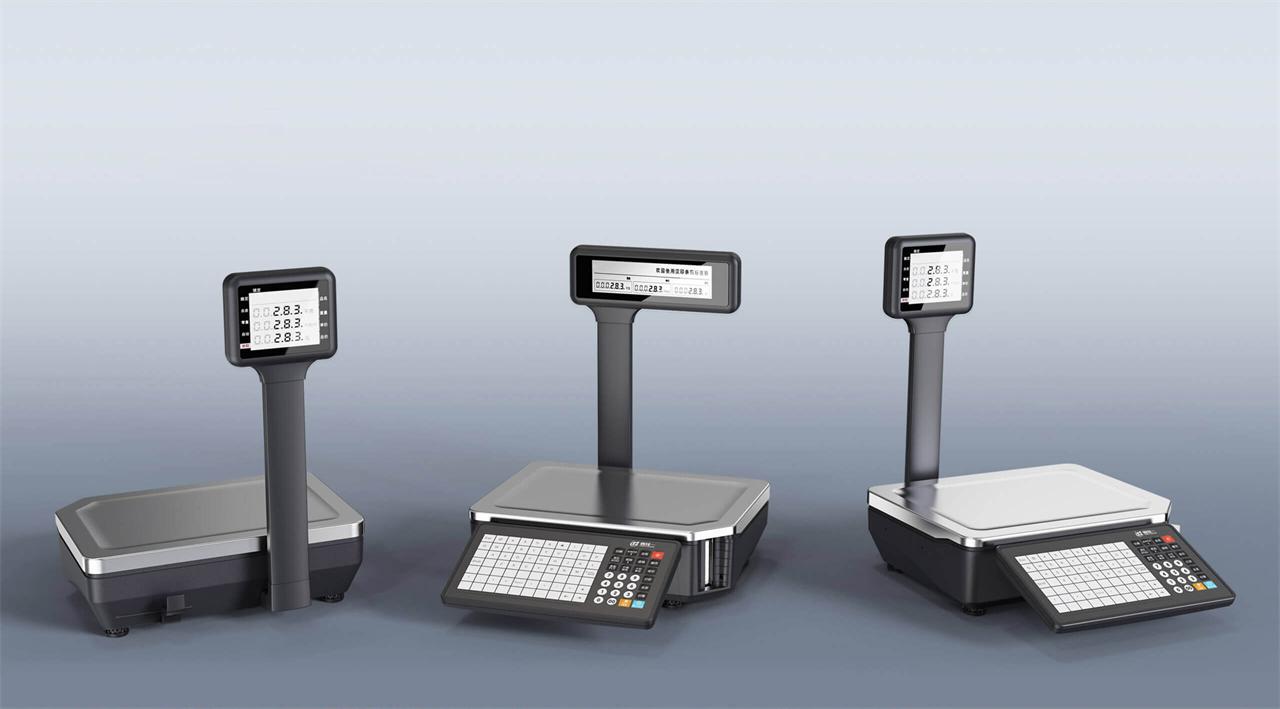
The best deli scale is the one that fits the store's workflow. Before purchasing, businesses should evaluate:
✔️ Labels and barcodes: Confirm label size, required product information, date fields, and barcode requirements.
✔️ POS compatibility: Make sure the barcode format works with the POS, scanner, and self-checkout workflow.
✔️ Commercial compliance: For products sold by weight, check legal-for-trade requirements, including NTEP in the U.S. or NAWI/CE marking in the EU.
✔️ Product and weighing needs: Match PLU capacity, shortcut keys or touchscreen workflow, capacity, scale division, and platform size to daily products.
✔️ Daily operation: Consider counter space, cleaning, label supplies, staff training, maintenance, and technical support.
The right deli scale with printer is the one that fits your products, labels, POS workflow, and local trade requirements.
Share your typical package weights, label size, barcode or POS requirements, and target market with our team. We can help you identify the right HPRT label-printing scale for your operation.
Frequently Asked Questions
Q1: Can a deli scale print barcode labels for self-checkout?
Yes. It can print barcode labels for variable-weight items. The barcode format and PLU data must be compatible with the self-checkout system.
Q2: What barcode formats do deli and grocery scales use for variable-weight products?
UPC-A and EAN-13 are common formats. Labels may encode the product ID, weight, price, or a combination of these data.
Q3: Do deli scales need NTEP certification for commercial sales by weight?
In the U.S., scales used to sell products by weight generally need to be legal for trade. NTEP certification is commonly required, subject to state and local rules.
Q4: Can a deli scale integrate with retail POS systems?
Yes. It can integrate through barcode labels, PLU and price synchronization, network connectivity, or back-office software.